Slim PU Sleeve for MacBook Air & Pro (13–14 in)
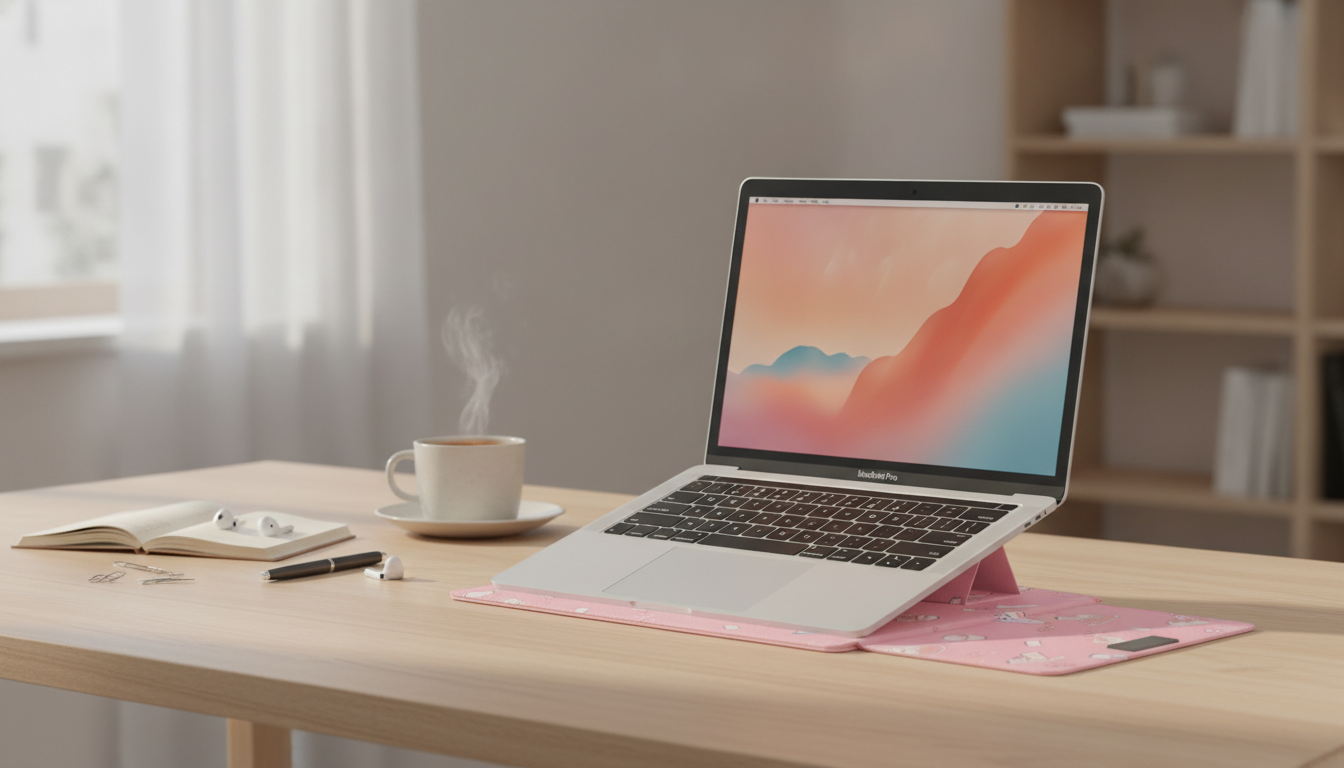
Made for slim MacBooks: a PU laptop sleeve that keeps your carry light
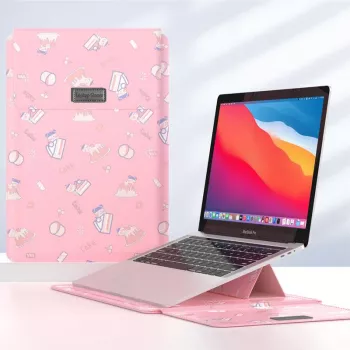
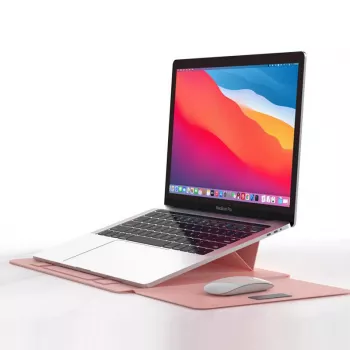
A slim laptop deserves protection that doesn’t add bulk. The Laptop Sleeve for MacBook Air/Pro 13–14 Inch – Stylish PU Cover for Apple pairs a clean, modern look with everyday scratch and scuff protection for commuting, campus, and travel. The PU (leather-style) exterior keeps things looking polished, while the sleeve format stays easy to slide into a backpack, tote, or briefcase—without the “hard shell” feel.
Quick look: what this sleeve is made for
- Designed for Apple laptops in the 13–14 inch class, including many MacBook Air and MacBook Pro models.
- PU exterior offers a leather-like finish with a minimalist, professional vibe.
- Best for daily carry: reduces surface wear from bags, desks, and tight packing.
- Works as a standalone sleeve or as an extra protective layer inside a backpack or tote.
- Lightweight protection that stays slim and easy to handle.
Style that fits work, school, and travel
When a laptop comes out multiple times a day—between meetings, classes, or coffee shop sessions—appearance and practicality matter. A sleek PU sleeve helps keep a MacBook looking intentional rather than “thrown in a bag,” and it fits into almost any setting without calling attention to itself.
- Clean lines and a neutral look that suits offices, libraries, and classrooms.
- PU finish helps the sleeve stay tidy with simple wipe-down care.
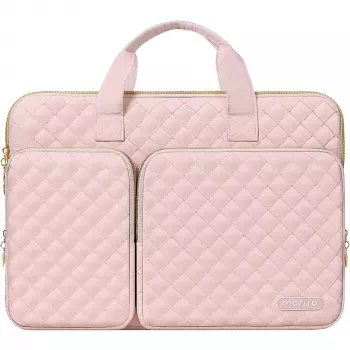
- A sleeve can elevate an everyday carry setup when paired with a matching bag or accessories.
- Makes a practical gift: useful, budget-friendly, and easier to choose when the laptop model is known.
- A slim sleeve reduces visual clutter compared with bulky, multi-pocket cases.
Protection profile: what it helps with (and what it doesn’t)
A sleeve is ideal for preventing the kind of wear that happens gradually—scuffs from bag interiors, scratches from rough tabletops, and cosmetic dings from daily handling. It’s not meant to replace impact-rated protection, but it can significantly reduce everyday abrasion and keep surfaces looking newer longer.
- Helps prevent scratches on the laptop’s exterior from zippers, keys, and gritty surfaces.
- Adds a buffer against minor bumps during routine carrying.
- Helps keep fingerprints and smudges off the laptop when handling it frequently.
- Not a substitute for a drop-rated hard case; add padding if the laptop rides in a loosely packed bag.
- Best performance comes from a snug fit—too much extra space can reduce protection in motion.
Everyday protection checklist
| Scenario | How the sleeve helps | Extra tip |
|---|---|---|
| Backpack commute | Reduces scuffs from other items in the bag | Place the laptop in its own compartment if available |
| Coffee shop / desk use | Prevents scratches from gritty surfaces | Wipe tables before setting the sleeve down |
| Airport / travel days | Adds a protective layer during frequent handling | Keep a charger and accessories in a separate pouch |
Getting the right fit for MacBook Air and MacBook Pro (13–14 inch)
“13-inch” and “14-inch” describe the screen size, not the full body dimensions. MacBook chassis sizing can vary by model year and design generation, so confirming the exact device is the best way to get a sleeve that feels secure and slides in smoothly.
- Start with the exact laptop model and year; Apple’s 13-inch and 14-inch sizes differ in chassis dimensions.
- A good sleeve fit is snug but not tight: it should slide in smoothly without bending corners.
- If the MacBook is used with snap-on shells or thick skins, allow extra room.
- For frequent travelers, prioritize quick in/out access and a surface that won’t cling to lint.
- When uncertain, compare your MacBook’s dimensions to the sleeve’s stated compatibility range before purchasing.
To confirm your specific model, Apple’s guide can help: Apple Support — Identify your MacBook model. You can also cross-check size details on Apple’s specification pages for MacBook Air and MacBook Pro.
Care and maintenance for a PU laptop sleeve
PU material is designed to be low-fuss. A few quick habits keep it looking sharp and help it last longer—especially if the sleeve is used daily.
When a sleeve is the best choice (and when to choose something else)
Pairing ideas: build a clean Apple carry setup
- For spreadsheet-heavy work on iPad or iPhone, a compact number pad can support a mobile workflow: Wireless Bluetooth Backlit Number Pad for Apple Devices.
- A comfortable strap helps keep daily accessories consistent and travel-ready: Apple Watch Silicone Sport Strap.
- Keep small items (cables, earbuds, adapters) in a separate pouch to avoid pressure points against the laptop.
- For a cohesive look, choose accessories with similar tones and textures for a streamlined kit.
Product details and availability
- Laptop Sleeve for MacBook Air/Pro 13–14 Inch – Stylish PU Cover for Apple
- Price: $14.67 (USD)
- Availability: In stock
- A simple upgrade for daily protection that keeps your MacBook easy to carry and easy to slide into a bag.
FAQ
Will a 14-inch MacBook Pro fit a 13–14 inch sleeve?
It depends on the specific model and year, since chassis dimensions can vary even within the 13–14 inch class. A snug fit is ideal, and snap-on shells or thick skins can make a sleeve feel tighter, so compare your MacBook’s dimensions to the sleeve’s compatibility range before buying.
Does a PU sleeve protect against drops?
A PU sleeve mainly helps with scratches and minor bumps during day-to-day carrying. For meaningful drop protection, add more padding or use a drop-rated case and place the laptop in a dedicated, cushioned compartment.
How should a PU laptop sleeve be cleaned?
Wipe it with a soft, slightly damp cloth (mild soap if needed) and avoid solvents or bleach that can damage the finish. Let it air-dry fully before inserting your laptop, and keep it away from prolonged heat to reduce cracking or warping over time.













Leave a comment