240W USB‑C Cable for iPhone 16 & MacBook: What to Know
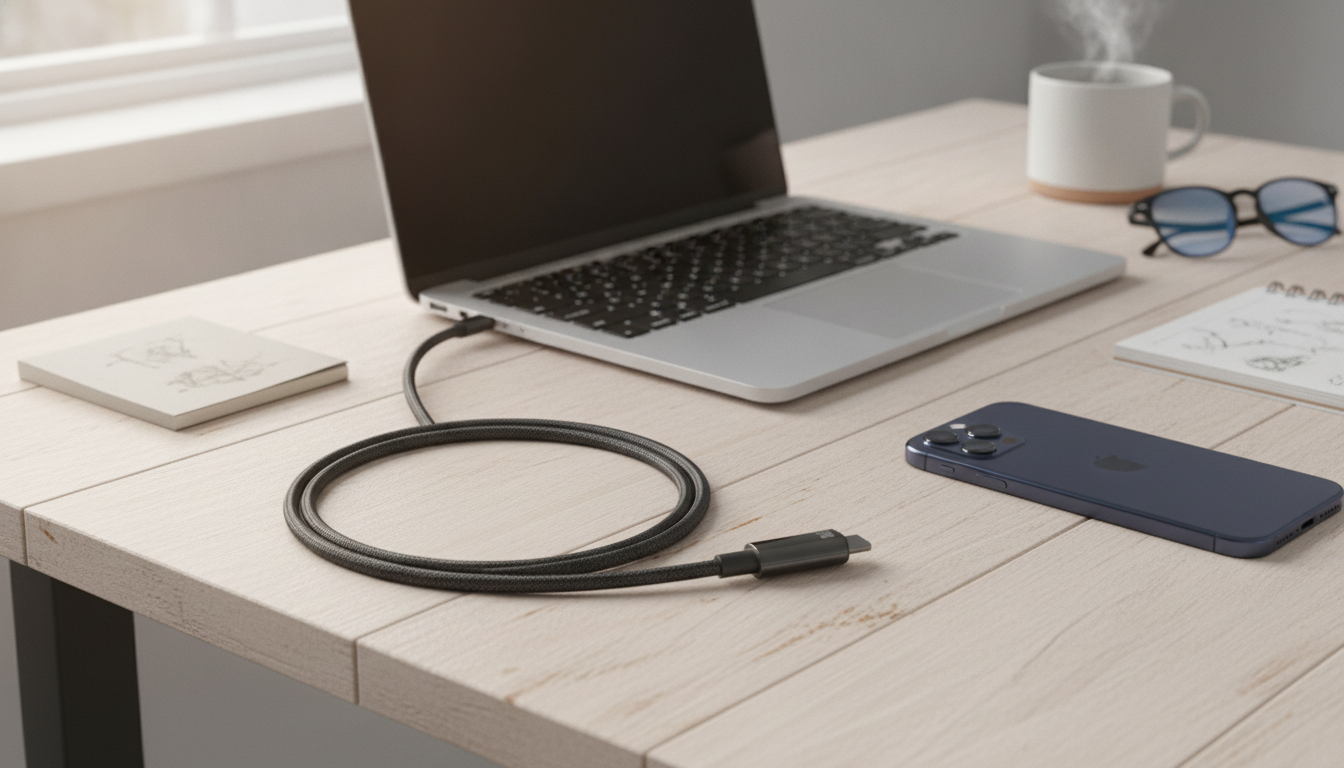
240W USB‑C Fast Charging Cable for iPhone 16, MacBook, and Everyday USB‑C Devices
A single high-power USB‑C cable can simplify charging and data connections across phones, laptops, tablets, and accessories. A 240W-capable USB‑C cable is built for today’s mixed-device routines—where you might top up an iPhone in the morning, charge a MacBook at your desk, and plug in earbuds or a controller later the same day. The key is understanding what “240W” really represents, how USB Power Delivery keeps charging controlled, and which build details help a cable stay reliable over time.
What “240W USB‑C” Actually Means
“240W” refers to USB Power Delivery (USB PD) Extended Power Range (EPR), a specification designed to support higher-power charging beyond the older 60W and 100W levels. That headroom matters most for higher-power laptops and docks, but it also brings a practical benefit for everyday users: one cable type can comfortably cover everything from small accessories to power-hungry computers.
Reaching very high wattage depends on the whole setup. The charger (or monitor/hub), the cable, and the device must all support the needed USB‑C PD profile. If any part of the chain is lower-rated, charging will fall back to a safe level that all connected components can handle.
Importantly, a 240W-capable cable does not “push” 240W into your device. USB PD negotiates power, and your iPhone, iPad, or MacBook draws only what it supports. For the official standards background, see the USB Power Delivery specification (USB‑IF).
Typical Charging Power Needs by Device Type
| Device category | Common charging range | Notes for real-world use |
|---|---|---|
| iPhone (USB‑C models) | 20–30W | Fast charging depends on a compatible USB‑C PD charger; cable quality affects stability and heat. |
| iPad / tablets | 20–45W | Higher wattage can help maintain charge during heavy use. |
| MacBook Air / ultrabooks | 30–70W | A higher-rated cable reduces limitations when pairing with stronger chargers. |
| MacBook Pro / higher-power laptops | 60–140W+ | Some models benefit from EPR-capable accessories; charger and device must support the profile. |
| Power banks / hubs | Varies | Look for USB‑C PD output specs and use a cable that matches or exceeds the output. |
Compatibility with iPhone 16, MacBook, and More
USB‑C to USB‑C cables are now the standard for modern Apple devices with USB‑C ports and for many Android and Windows laptops. A single dependable cable can reduce clutter in your bag and make it easier to share chargers across a household.
- Charging iPhone 16: Pair a USB‑C to USB‑C cable with a USB‑C PD wall charger or PD power bank to enable fast charging. Apple’s guidance on requirements and expectations is covered here: Apple Support: Fast charge iPhone.
- Charging MacBook: A higher-power cable helps avoid bottlenecks when charging from higher-wattage adapters or a USB‑C monitor that provides power delivery. For Apple’s adapter and compatibility notes, see Apple Support: About USB‑C power adapters.
- Accessories and daily gear: USB‑C AirPods cases, game controllers, portable SSDs, and tablets benefit from a reliable connection that doesn’t cut in and out when you move the device.
Fast Charging, Safety, and Heat: What Matters Most
Fast charging should feel convenient, not stressful. USB Power Delivery works by negotiating voltage and current between the charger and the device, which helps prevent unsafe over-delivery. A cable rated for higher power typically uses construction intended to handle more current with less resistance, helping reduce excessive heating under load.
If a phone or laptop gets unusually warm while charging, the cause is often situational rather than “too much cable.” Check these common contributors:
Charging + Data Use Cases That Benefit from a Better Cable
Durability and Build Details to Look For
Product Spotlight: 240W USB‑C Fast Charging Cable
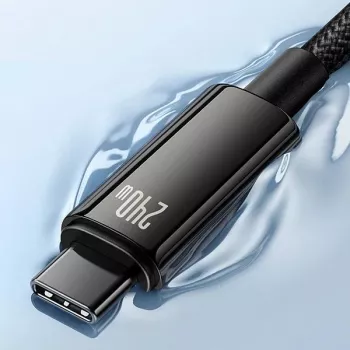
If you want one primary USB‑C cable that’s ready for both everyday charging and higher-power laptop scenarios (with compatible USB‑C PD gear), the 240W USB‑C Fast Charging Cable for Apple iPhone 16, MacBook & More is a practical upgrade. It’s especially useful in mixed-device households where phones, tablets, laptops, power banks, and accessories all rotate through the same charging spots.
Quick Specs Snapshot (From Listing)
| Item | Details |
|---|---|
| Name | 240W USB‑C Fast Charging Cable for Apple iPhone 16, MacBook & More |
| Price | 7.82 USD |
| Availability | In stock |
| Product page | View product |
Helpful Pairings for a Cleaner Charging Kit
- High-output power bank for grab-and-go days: The 200000mAh 120W Power Bank for iPhone and Apple Devices can help cover long commutes, travel days, or shared charging situations where outlets are limited.
- Protection for pocket accessories: If you carry earbuds daily, a case like the Leather Texture TPU Case for Apple AirPods 1/2/3/Pro helps reduce scuffs and wear in bags and pockets.
- A second-cable strategy: Keep one cable at your desk and one in your travel pouch to avoid daily unplugging and reduce connector fatigue over time.
FAQ
Will a 240W USB‑C cable charge an iPhone safely?
Yes. With USB Power Delivery, the iPhone negotiates power and draws only what it supports; the charger and device determine the actual wattage. Use a reputable USB‑C PD charger (or PD power bank) for consistent fast charging.
Do MacBooks benefit from a 240W-capable USB‑C cable?
They can. The main benefit is headroom and compatibility when using higher-wattage adapters, monitors, or docks, helping prevent the cable from being the limiting factor. Actual charging wattage still depends on your specific MacBook model and the charger’s supported PD profiles.
Why does fast charging sometimes feel slower than expected?
Charging speed can taper as the battery fills, and temperature management may reduce power if the device gets warm. Background use (navigation, gaming, video calls), a lower-wattage charger, or worn/dirty ports and cables can also limit real-world speed.













Leave a comment