Matte iPad Screen Protector: Anti-Glare, Paper Feel
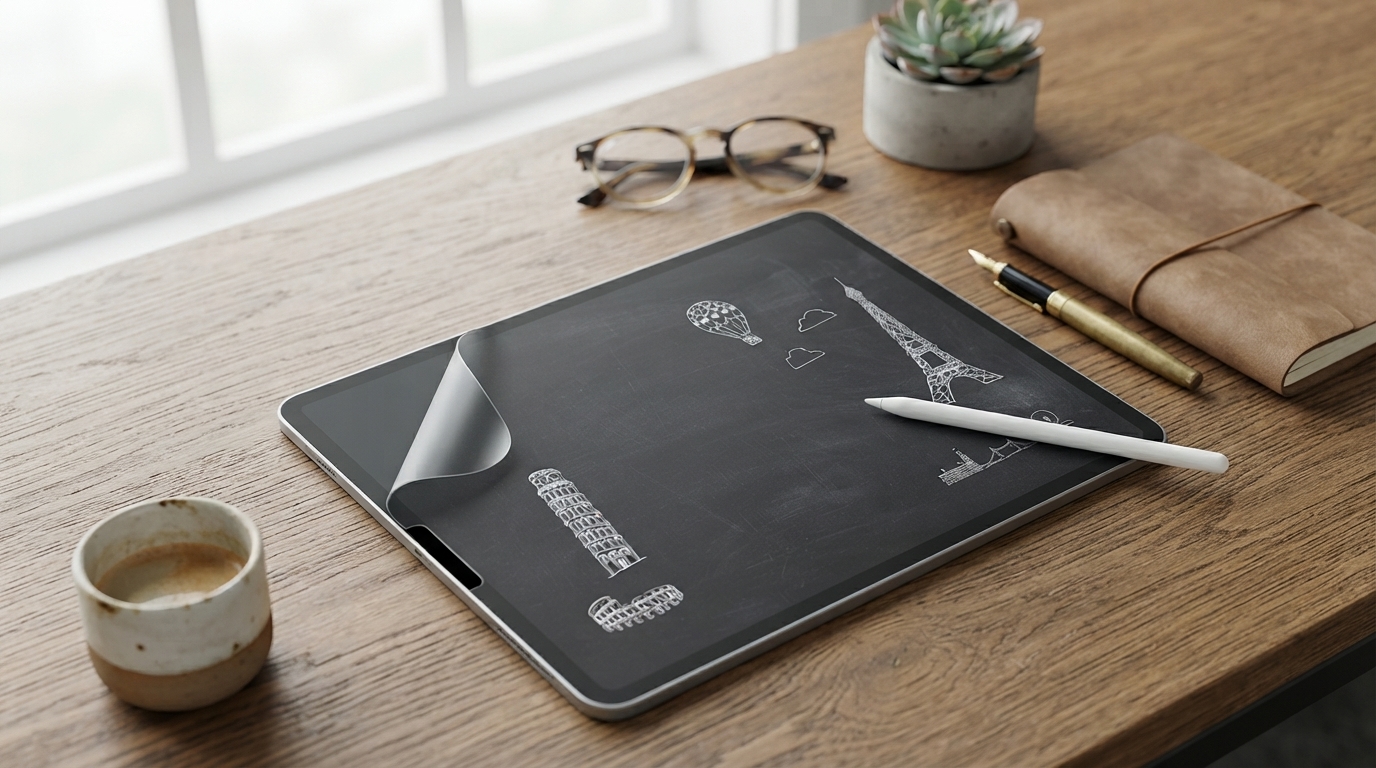
Matte Film Screen Protector for iPad Pro, Air, and Mini
A matte film screen protector can make an iPad easier to use in bright light, reduce fingerprint smudges, and add a subtle paper-like texture for writing and drawing. For iPad Pro, iPad Air, and iPad mini owners, matte film is a practical upgrade for daily comfort—especially when glare and slick glass get in the way of productivity.
This guide breaks down what changes after installation, who tends to love matte the most, what to confirm before ordering, and how to apply it cleanly for a smooth finish with minimal bubbles.
What a matte film screen protector changes day to day
Matte film works by lightly diffusing light across the surface. That simple change affects how the screen looks and feels in real-world use.
- Cuts down glare and reflections for better visibility near windows, outdoors, and under harsh overhead lighting.
- Adds light texture that helps control stylus movement for note-taking, sketching, and annotation.
- Reduces the look of fingerprints and oily smudges compared with glossy screens.
- Helps protect against minor scuffs and micro-scratches from daily use (bags, desks, keys).
- May slightly soften screen sharpness and contrast versus bare glass (a common matte trade-off).
Who benefits most from a matte finish
Matte isn’t only about aesthetics. It’s a comfort and usability choice that tends to shine in a few common scenarios.
- Students and professionals who handwrite notes for long sessions (less slip, more control).
- Artists who prefer a textured feel for drawing with a stylus.
- Commuters and travelers who use the iPad in changing lighting conditions.
- Families sharing a device where smudges and glare build up quickly.
- Anyone who prefers a “muted” look over the high-gloss glass appearance.
Fit, compatibility, and what to confirm before ordering
Matte film is forgiving in daily use, but it’s not forgiving about fit. Before ordering, confirm the basics so the protector sits flat, doesn’t lift at the edges, and keeps camera/sensor areas clear.
Quick compatibility checklist
| Check | What to look for | Why it matters |
|---|---|---|
| Exact iPad model | Model name + generation (Pro/Air/mini) | Ensures full coverage and correct cutouts |
| Case clearance | No tight case lip pressing on edges | Prevents lifting and bubbling at the corners |
| Camera/sensor cutout | Aligned opening (or sensor-safe design) | Avoids image haze and face camera obstruction |
| Stylus use | Uniform matte texture | Helps maintain consistent writing/drawing feel |
| Viewing expectations | Accepts mild softness vs glossy | Matte reduces glare but can reduce perceived sharpness |
One more practical tip: if you frequently swap cases (keyboard folio, rugged case, slim shell), choose the tightest-fitting case you own and check that its lip won’t ride up on the protector edge. Corner lift is one of the most common reasons film protectors get replaced early.
How to apply matte film cleanly (bubble-free approach)
A clean install is mostly about dust control. Take a few extra minutes up front, and the result typically looks far more “factory” afterward.
- Clean the screen thoroughly and remove dust; even tiny particles can create permanent bumps.
- Wash and dry hands to avoid transferring oils during alignment.
- Use a bright light angle to spot dust before placing the film (tilt the iPad and scan the surface).
- Align the top edge first (camera side), then lower slowly while pressing from the center outward.
- If a bubble forms, lift that area gently (without creasing) and push air out with a card wrapped in a soft cloth.
- Let the film settle; mild haze right after installation often improves after a short period as the adhesive sets.
For cleaning do’s and don’ts, follow Apple’s official guidance on safe materials and moisture levels: Apple Support: Cleaning your Apple products.
Care, cleaning, and longevity
Matte film holds up well with normal handling, but its textured surface benefits from gentler habits.
- Use a soft microfiber cloth; avoid abrasive towels that can polish or scratch the matte surface.
- For heavier smudges, slightly dampen the cloth with water; avoid harsh cleaners unless specifically approved for screens.
- Keep sharp objects away from the iPad face in bags; matte film helps, but deep punctures can still damage it.
- If the surface feels uneven over time, check for edge lift or trapped debris; replacing the film restores the original feel.
For broader iPad handling and care basics, Apple’s iPad guide is a helpful reference: Apple Support: iPad User Guide (basic care and handling).
Common trade-offs to expect with matte film
Matte is a performance choice, and it comes with a few predictable compromises. Knowing them ahead of time helps set expectations.
Product options available
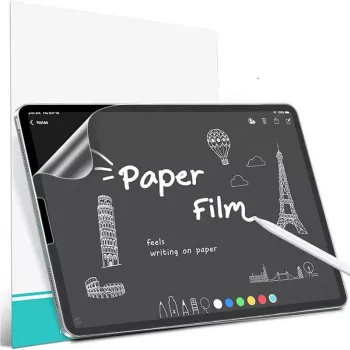
Matte Film Screen Protector for iPad Pro, Air, and Mini
200000mAh 120W Power Bank for iPhone and Apple Devices
Compare related options such as Premium Leather Magnetic Case for Apple iPhone to match features, dimensions, and use case before choosing.
FAQ
Will a matte film screen protector reduce screen clarity?
Yes, slightly. Matte film diffuses light to reduce glare, which can make fine text and sharp edges look a bit softer than bare glass, but that trade-off is normal and often worth it in bright environments.
Does matte film work well with a stylus for note-taking and drawing?
It typically improves control by adding light resistance, making strokes feel less slippery. Depending on pressure and how often you write or draw, stylus tips can wear a bit faster, so keeping a spare tip on hand can help.
How can bubbles and dust be avoided during installation?
Install in a clean, well-lit area, use angled light to spot dust, and remove every speck before aligning. Press from the center outward as you lower the film; if a particle is trapped, gently lift that corner, remove the speck, and re-squeegee the area.













Leave a comment